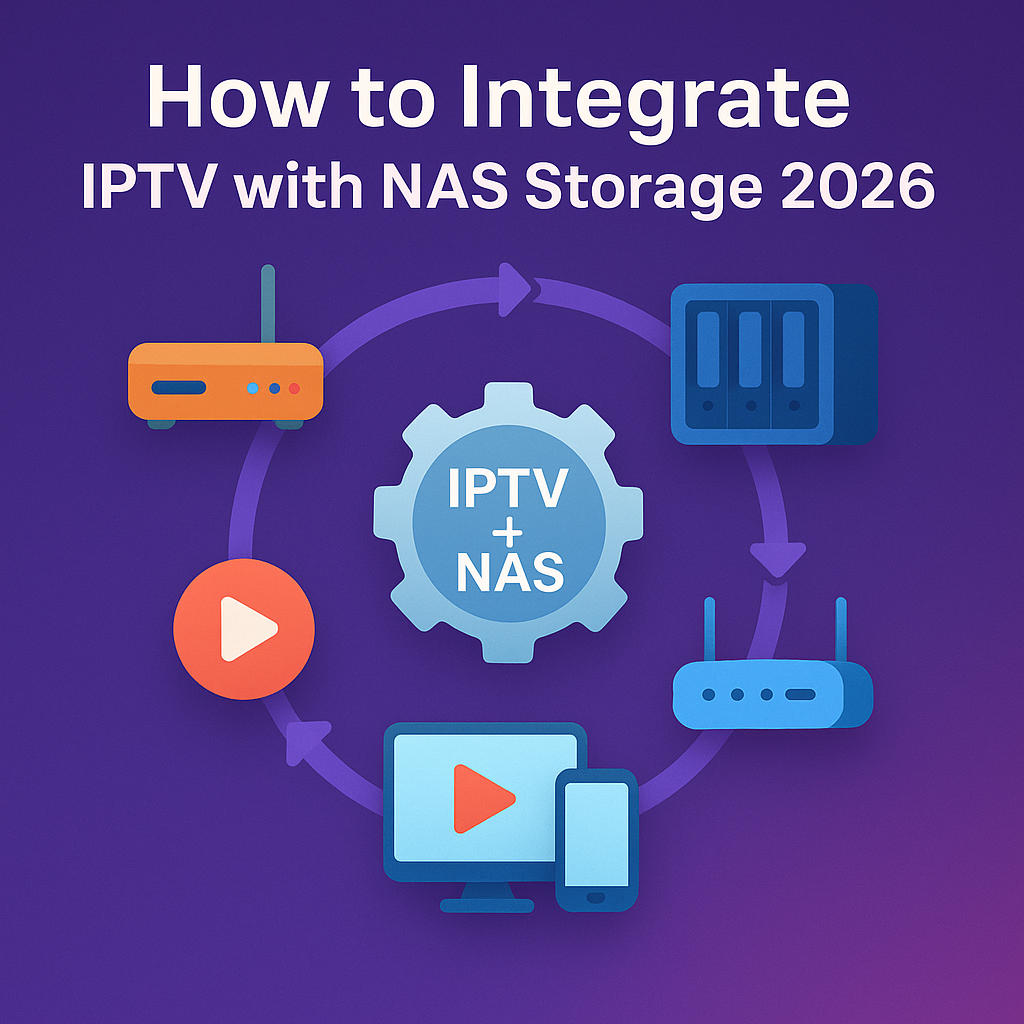
How to Integrate IPTV with NAS Storage 2026
Intro, Backstory & Why This Matters
Alright, let’s talk real talk. You love IPTV, right? Tons of channels, flexibility, no cable. But what if I tell you there’s a way to *own* your content library—store it, manage it, stream it anytime? That’s where IPTV NAS integration in 2026 becomes a game-changer.
Backstory? I used to scramble between devices trying to keep my favorite shows saved somewhere. One day I thought: “Why not use my NAS?” I hooked it up, started dumping VOD, IPTV recordings, playlists—suddenly everything was centralized. The convenience? Unmatched.
Why does this matter today? Because in 2026, IPTV is ubiquitous—but managing content is messy. With NAS integration, you:
- Own your media. Having your IPTV content stored means you’re not at the mercy of playlists being revoked.
- Stream locally with speed. NAS on the same network can deliver ultra-low latency to your TV or device.
- Backup & redundancy. If your provider playlist vanishes, your recordings stay safe.
Steps, Tools & How to Integrate IPTV with NAS
Okay, let’s get into the nuts and bolts of IPTV NAS integration. Here’s how you do it:
- Step 1: Choose a proper NAS device. It should support media streaming, apps, and have good read/write speeds (e.g. Synology, QNAP, or equivalent with SSD cache).
- Step 2: Install media server apps. On the NAS install Plex, Emby, Jellyfin or built-in IPTV server apps that support IPTV streams + recording.
- Step 3: Import IPTV sources. From your IPTV provider, get your M3U playlists, Xtream codes, or portal URLs. Add them to your NAS media app.
- Step 4: Set up recording & DVR. Configure recording of live IPTV streams—select which channels, schedule times, quality settings, etc.
- Step 5: Enable transcoding. For devices with less power, your NAS should transcode on the fly (e.g. HD to SD) so streaming remains smooth.
- Step 6: Map network shares. On your devices (TV, phone, PC), add the NAS share or media server as a source for IPTV apps.
- Step 7: Secure your setup. Use firewall, user permissions, and if accessing remotely, VPN or secure ports—don’t expose your NAS to the internet without protection.
Pro tip: Use an SSD cache in the NAS for frequently accessed content. It speeds up playback drastically.
Reality Check
Here’s the no-fluff truth: IPTV NAS integration is powerful—but it’s not plug-n-play for everyone. You’ll run into issues like storage limits, overheating, and transcoding overload. Remote access bandwidth is limited by your upload speed. Also, not all IPTV providers allow recording or stream caching legally.
By 2026, NAS hardware is more capable than ever, but it demands thought. If your NAS is weak or your network is shaky, you’ll still face buffering or lag. This setup is for those willing to invest effort, not someone expecting click-and-go magic.
FAQ
- Q: Will my NAS support live IPTV streams?
A: Yes, if it supports media server software and real-time streaming. But check CPU & memory specs first. - Q: Can I record IPTV channels on NAS?
A: Absolutely. Use DVR/record scheduling within your NAS media server. - Q: Does transcoding reduce quality?
A: Sometimes—but that’s better than no playback on weaker devices. - Q: Can I access NAS-stored IPTV from outside my home?
A: Yes, via VPN or port forwarding (securely). But upload speed is your limiting factor. - Q: Is this legal?
A: Storing your own licensed content is fine. Recording copyrighted IPTV streams may breach provider or copyright terms—check local laws.
Final Verdict
Integrating IPTV with NAS in 2026 gives you ownership, resilience, and performance. It’s not trivial—but for power users, it’s worth the upgrade. If you care about preserving content, avoiding playlist outages, or serving IPTV across your devices seamlessly, this is the path.
My verdict? If you’re comfortable with tech, go for it. Otherwise stick with a reliable provider. But when done right, NAS-backed IPTV is unmatched in control and longevity.
👉 Ready to explore IPTV with NAS storage? Check here: https://www.4cardsharing.net/premium-iptv/