How to Use IPTV for Local Channels & International in 2026
Intro, Backstory & Why This Matters
Let’s be honest—one of the biggest perks of IPTV is freedom. You’re not tied to whatever your cable provider offers. Instead, you get local channels to keep up with your community, and international channels to explore the world. That’s why IPTV local and international is such a hot topic in 2026. It’s about having both worlds in your pocket.
Backstory? I remember growing up, my family had a satellite dish the size of a car. It gave us access to some foreign channels, but if the weather was bad—forget about it. Fast-forward to 2026: now I can open my MacBook or Smart TV, click one playlist, and instantly switch between my local news and live sports in another continent. Honestly, it feels like magic.
Why does this matter? Three simple reasons:
- Stay connected locally. Your news, events, and regional culture are always at your fingertips.
- Expand your horizon. International IPTV channels mean new languages, new shows, new perspectives.
- Save money. Instead of paying for two or three services, IPTV combines it all into one smart setup.
Steps, Tools & Smart Setup
Okay, let’s break down how to actually set up IPTV for local and international channels in 2026. The process is easier than ever, but there are tricks to get the best results:
- Step 1: Choose a reliable IPTV provider. Not all providers have strong local + international packages. Check if they offer your regional news plus the global channels you want.
- Step 2: Get your playlist link (M3U or Xtream codes). Your provider should give you this info. It’s your “key” to unlock channels.
- Step 3: Pick the right app. VLC, GSE Smart IPTV, Tivimate, or IPTV Smarters are top choices. For macOS and iOS, GSE Smart IPTV is brilliant. For Android and TV boxes, Tivimate is a winner.
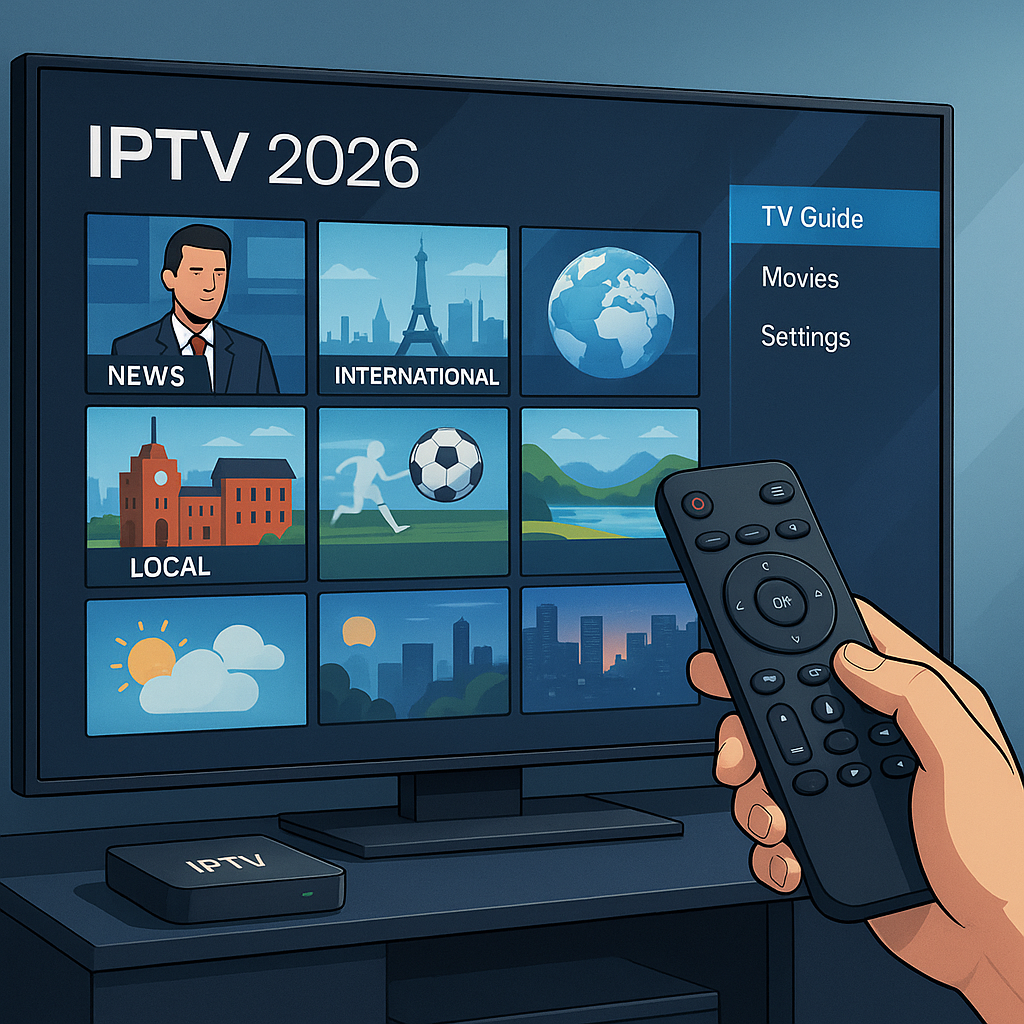
- Step 4: Organize channels. Create groups—“Local” for your regional stations, “International” for foreign ones. Makes navigation smooth.
- Step 5: Use EPG (Electronic Program Guide). Many providers offer an XMLTV link that gives you a full TV guide. Perfect for checking local news timings or international match schedules.
- Step 6: Optimize for language. Some apps let you add subtitles or audio tracks. Ideal for international channels in other languages.
- Step 7: Test across devices. Watch your local channels on a phone, while family watches international news on the TV. IPTV is flexible—use it!
Pro tip: If you’re into sports, pick an IPTV provider that offers both your local league and international competitions. That way you never miss a game, whether it’s your hometown derby or the World Cup final.
Reality Check
Here’s the truth—IPTV local and international isn’t always perfect. Sometimes your local channels might buffer during peak hours. International channels? They may have restrictions based on region. And yes, if your internet speed dips, even the best IPTV app won’t save you from the dreaded buffering circle.
By 2026, things are smoother than ever. IPTV apps handle large playlists better, providers are faster, and ISPs are catching up. But you still need decent internet—at least 10 Mbps for HD, 20+ for 4K. If your connection struggles, expect some hiccups.
FAQ
- Q: Can I watch local channels outside my country?
A: Yes, with IPTV + a VPN. A VPN can unlock geo-restricted content so you access your home news even when abroad. - Q: Do I need two IPTV providers for local and international?
A: Not usually. Many premium IPTV providers offer both in one subscription. - Q: Will subtitles work on international channels?
A: Yes, if the channel supports them and your app allows subtitle loading. - Q: Is IPTV better than satellite for international channels?
A: Absolutely. No weather issues, no giant dish, and way more flexibility. - Q: How do I avoid buffering?
A: Use wired Ethernet if possible, or 5GHz Wi-Fi. Also, adjust stream quality to match your bandwidth.
Final Verdict
Using IPTV for local and international channels in 2026 is like having the world in your living room. You get the best of both—your local updates and global entertainment—without the limits of traditional TV. Sure, it’s not flawless, but with the right provider, solid internet, and smart setup, it’s more powerful than ever.
My verdict? Stop thinking small. IPTV isn’t just about watching TV—it’s about connecting to your roots and exploring the globe. Once you experience the mix of local + international, there’s no going back.
👉 Ready to explore IPTV for both local and international channels? Check here: https://www.cccam2.com/premium-iptv/