How to Use IPTV in 8K Era (Future Trends 2026)
Intro, Backstory & Why This Matters
Let’s be real—streaming has come a long way. First it was SD, then HD, then 4K. Now in 2026, the buzzword is IPTV 8K. And trust me, it’s not just a fancy number—it’s the future of how we’ll consume content. With sharper images, richer colors, and mind-blowing detail, IPTV in the 8K era feels like a leap into another dimension.
Backstory? I still remember when I first switched from SD to HD and thought, “Wow, this is crystal clear.” Then came 4K, and suddenly HD felt outdated. Now, watching an 8K IPTV demo in 2026, it honestly makes 4K look soft. That’s how big the jump is.
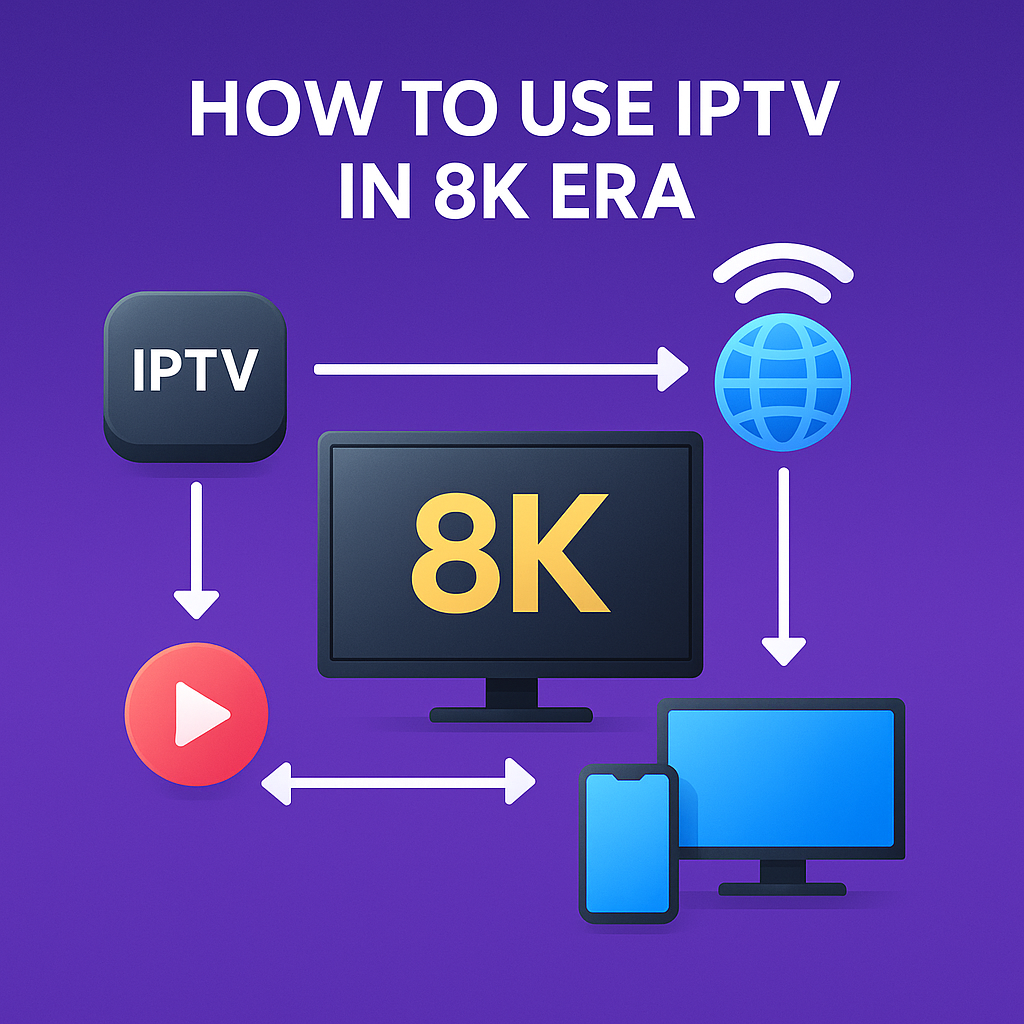
Why does this matter? Because IPTV is the only tech flexible enough to deliver 8K across different devices—whether it’s your Smart TV, VR headset, or even your phone. Cable and satellite simply can’t keep up with this evolution.
- Immersion. 8K makes you feel like you’re inside the content—sports, movies, even news broadcasts look alive.
- Future-proofing. As devices upgrade, IPTV 8K ensures you’re not left behind.
- Flexibility. IPTV delivers 8K anywhere, not just in living rooms but on laptops, mobiles, and VR glasses.
Steps, Tools & How to Use IPTV in 8K
So how do you actually enjoy IPTV 8K in 2026? Let’s break it down step by step:
- Step 1: Check your hardware. You need an 8K-ready TV or monitor. Some high-end laptops and VR devices now support 8K too.
- Step 2: Upgrade your internet. 8K IPTV streams require serious bandwidth. At least 50–100 Mbps per stream for smooth playback.
- Step 3: Pick an IPTV provider with 8K support. Not all IPTV subscriptions include true 8K. Make sure it’s native 8K, not upscaled 4K.
- Step 4: Use the right app. IPTV Smarters Pro, Tivimate, and VLC now support 8K in 2026. Update to the latest versions.
- Step 5: Optimize network setup. For 8K, wired Ethernet is always better than Wi-Fi. If you must use Wi-Fi, go with Wi-Fi 6 or 6E routers.
- Step 6: Adjust settings. Some IPTV apps let you tweak buffer size, stream quality, and hardware decoding. Always enable hardware decoding for 8K.
- Step 7: Test across devices. Try streaming on your 8K TV, then on a tablet or VR headset to see the difference. The flexibility is unmatched.
Pro tip: If you don’t have full 8K internet speed, some providers offer adaptive bitrate streaming. It auto-adjusts quality based on your bandwidth to prevent buffering.
Reality Check
Here’s the truth—IPTV 8K sounds exciting, but it’s not perfect. Bandwidth demands are huge, and not every ISP can handle constant 8K streaming. Plus, not all content is truly produced in 8K—sometimes it’s just upscaled 4K pretending to be 8K.
By 2026, the tech is better than ever, but it’s still early days. Expect to see limited 8K content compared to the ocean of 4K. And yes, you’ll need premium hardware and a fast internet connection to make it work properly.
FAQ
- Q: How much internet speed do I need for IPTV 8K?
A: At least 50–100 Mbps per stream for stable playback. - Q: Do all IPTV providers support 8K?
A: No. Only premium providers offer native 8K channels and VOD in 2026. - Q: Can I watch IPTV 8K on my phone?
A: Yes, if your phone supports 8K playback—but most people won’t notice much difference on small screens. - Q: Is IPTV 8K worth it over 4K?
A: If you have the hardware and internet speed, yes. The difference in detail is massive on big screens. - Q: Will IPTV 8K eat more data?
A: Definitely. Expect around 30–50 GB per movie in 8K quality.
Final Verdict
IPTV 8K in 2026 is the next level of streaming. It’s sharper, smoother, and more immersive than anything before. Yes, it comes with challenges—data usage, internet demands, and limited content—but the experience is absolutely worth it for those ready to embrace the future.
My verdict? If you’re passionate about picture quality and future-proofing your setup, jump into IPTV 8K. If you’re happy with 4K, no rush—but once you see true 8K, it’s hard to go back.
👉 Ready to explore IPTV in the 8K era? Check here: https://www.4cardsharing.net/premium-iptv/