The Ultimate Guide to Satellite TV Frequencies: How Channels Really Work

Have you ever wondered why some satellite channels come in crystal-clear while others show static or suddenly disappear? Or why a new frequency scan sometimes brings dozens of new channels? The truth lies in how satellite TV frequencies and signals actually work — and once you understand that, you’ll never rely on luck again when setting up your dish or receiver. This guide breaks it all down: from satellite in orbit down to your screen, step by step.
- Satellite TV Basics: What Is a Frequency?
- Signal Path: From Satellite to Your Dish
- Transponders, Bands, and What They Mean
- Why Frequencies Change and What It Means for You
- Configuring Your Receiver: What to Know
- Common Problems and How to Fix Them
- The Future of Satellite TV in 2026 and Beyond
- Useful Internal Resources
- Reality Check
- Final Words
- FAQ
Satellite TV Basics: What Is a Frequency?
Every satellite signal is sent at a specific frequency — a number that determines how the signal travels through space, how it’s received by your dish, and how your receiver decodes it. Without the right frequency, the signal can’t reach your TV at all. Frequencies are usually expressed in MHz and grouped in different satellite bands such as C-band, Ku-band, or Ka-band.
Understanding frequencies helps you choose the right dish size, LNB type, and ensure the best reception. For example, Ku-band frequencies generally use smaller dishes and are popular for HDTV broadcasts, while C-band signals often require larger dishes but are more reliable in bad weather.
Signal Path: From Satellite to Your Dish
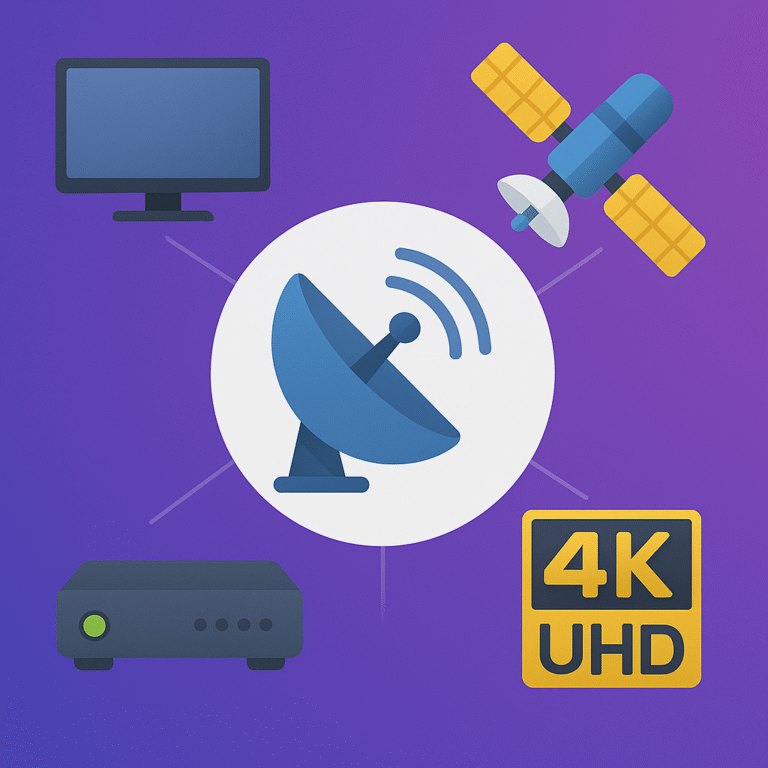
The journey of a satellite signal starts tens of thousands of kilometers above Earth. A broadcasting satellite beams a frequency to Earth. Your dish — if aligned correctly — catches that signal. The dish concentrates it onto the LNB (Low Noise Block converter), which converts the signal to a lower frequency that your receiver can understand. From there, the receiver decodes the signal and delivers the audio and video to your TV.
Every link in this chain — satellite, dish, LNB, cable, receiver — must work properly. A tiny error in alignment or a weak LNB can degrade the signal or block it completely. That’s why even “free” installations sometimes fail unless carefully done.
Transponders, Bands, and What They Mean
A transponder is a channel bundle on a satellite — like a “multi-channel lane” that carries several TV or radio channels under one frequency configuration. Satellites have multiple transponders, each assigned unique parameters: frequency, polarization, symbol rate, FEC (forward error correction), etc. To receive a channel, you must tune your receiver with the precise transponder parameters.
Modern broadcasts — especially HD or UHD channels — often use higher symbol rates and advanced modulation. This means older receivers may fail to decode them. Knowing about transponders and bands helps you pick compatible equipment and perform blind-scan correctly for new channels.
Why Frequencies Change and What It Means for You
Satellite operators may reorganize channel packages, move broadcasts to new transponders, or change beam footprints. As a result, frequencies can change — channels you had today might shift tomorrow. That’s why regular frequency updates are essential. For example, with changes like the SKY 2030 transponder revision, many receivers need re-scanning to keep working.
Ignoring frequency changes can result in missing channels, signal loss, or wrong configurations. Always keep a recent frequency list and perform blind-scan or manual tuning after any major satellite update.
Configuring Your Receiver: What to Know
When setting up your receiver for satellite TV, ensure these details are correct:
- Satellite position (orbital slot)
- Transponder frequency, polarization, symbol rate, FEC
- Appropriate LNB type (Ku, C, etc.)
- Correct DiSEqC or motor settings if multiple dishes or LNBs
- Use blind-scan if many parameters are unknown or channels moved
Mistakes in any of these settings cause weak signal, missing channels, or noise. Always enter parameters exactly as provided in the frequency list — typos will break reception immediately.
Common Problems and How to Fix Them
Even a small issue can disrupt satellite reception. Here are frequent problems and practical fixes:
- Dish misalignment — re-align the dish precisely using compass or signal meter
- Old or faulty LNB — replace it every 5–7 years for stable signal
- Wrong receiver settings — verify frequency, pol, symbol rate, FEC
- Weather interference (rain, snow) — Ku-band suffers more, consider C-band for stability
- Poor cable or connectors — use quality coax cables and weatherproof connectors
The Future of Satellite TV in 2026 and Beyond
Satellite TV isn’t going away — but it is evolving. With transitions like Live sports streaming apps and upcoming frequency reorganizations, modern satellite users will need to stay updated. Hybrid solutions combining satellite + streaming will become more common, giving users flexibility and better content coverage.
Understanding how frequencies and transponders work will give you an edge — you’ll be ready for changes like frequency shifts, new broadcasts, or channel updates without losing your signal.
Useful Internal Resources
For more guides and updates related to satellite and streaming setups check these pages:
Best Live Sports Streaming Apps 2026
SKY 2030 Frequency Changes & Full Transponder Update
Reality Check
Satellite TV is not magic. It requires correct setup, regular updates, and sometimes patience. Expecting perfect signal without aligning your dish or updating frequencies is unrealistic. But when everything is configured right — proper dish, accurate parameters, and a good receiver — satellite delivers reliable, high-quality TV anywhere in the world.
Final Words
Understanding how satellite TV frequencies and signals work gives you full control over your watching experience. Whether you want the clearest picture, stable reception during storms, or access to new channels after transponder changes — knowledge is power. Bookmark this guide and use it whenever you adjust your setup, rescan frequencies, or upgrade equipment.
FAQ
Why do I need to rescan frequencies sometimes?
Because satellite operators occasionally reorganize or move channels to different transponders. Without rescanning your receiver will lose access to those channels.
Does weather always block satellite signal?
Not always. Heavy rain or snow on Ku-band can degrade signal, but a well-aligned dish and quality LNB often withstand normal weather. C-band is more stable in adverse conditions.
Can any receiver handle all frequencies?
No. Older receivers may fail with high symbol rates or new modulation used in modern broadcasts. Always check receiver specs before tuning new channels.
About 4CardSharing
4CardSharing brings you detailed, clear, and practical guides to satellite TV, streaming, and future-proof setups. Our mission is to help you enjoy stable, high-quality television by understanding how it really works.