How Sky Italia Delivers Channels Online A Simple Technical Breakdown
Estimated reading time: 10 to 12 minutes.
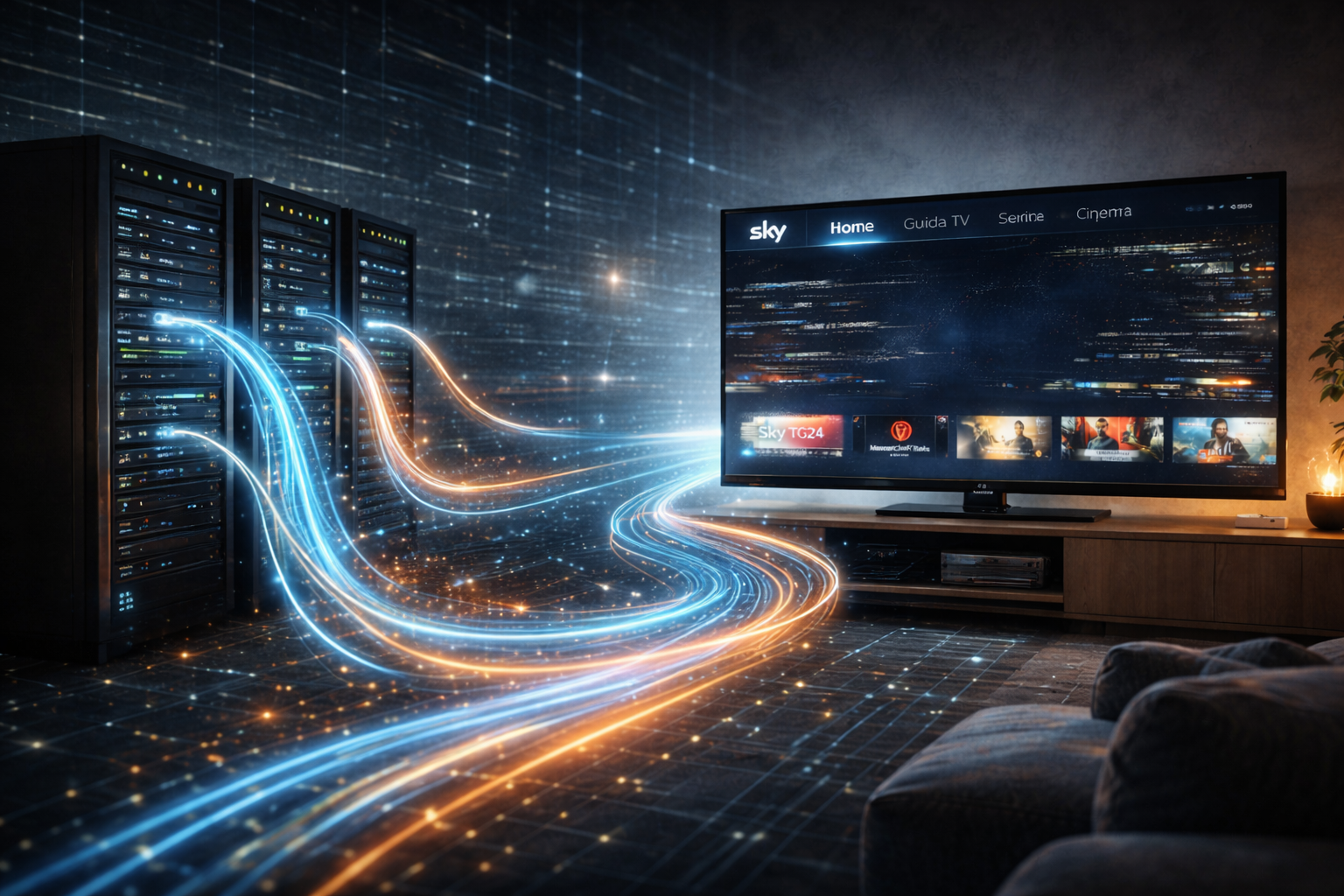
At first glance, watching Sky Italia online feels simple. You open the app, select a channel, and it starts playing. But behind that simple action, a complex system is working continuously to deliver video data from remote servers to your screen. This system is very different from traditional satellite broadcasting.
Most users do not see how many steps are involved in this process. Channels are not sent as a continuous signal. Instead, they are broken into small data segments, delivered across networks, buffered on your device, and reconstructed in real time. Understanding this process helps explain why performance changes and why issues happen.
Quick Context. Sky Italia delivers channels online using segmented video streaming. Your device continuously requests small pieces of video data, stores them in a buffer, and plays them in sequence while adjusting quality based on network conditions.
Table of Contents
The basic concept of online channel delivery
Why video is divided into segments
Adaptive streaming and quality control
How network conditions affect delivery
The basic concept of online channel delivery
In traditional satellite systems, a single broadcast signal is transmitted and received by all users at the same time. In contrast, online streaming works as a request based system. Each user receives a separate data stream based on their device and network conditions.
This means your device is actively communicating with servers. It asks for video data, receives it, and plays it. This process happens continuously. The stream is not pushed to you automatically. It is built dynamically based on your requests.
This model allows flexibility, but it also introduces dependency on network behavior and device performance.
Why video is divided into segments
Video is not delivered as a single file. It is divided into small segments, each representing a short part of the stream. These segments are usually a few seconds long.
Dividing video into segments makes streaming more flexible. If the network slows down, the system can adjust by sending lower quality segments. If conditions improve, it can switch back to higher quality.
This segmentation also allows the system to recover from interruptions more easily. Instead of restarting the entire stream, the device only needs to request the next segment.
Step by step delivery flow
When you open a channel, the app first connects to the service and retrieves information about available stream versions. These versions represent different quality levels.
The device then starts requesting segments from the selected stream. Each segment is downloaded and placed into the buffer. While one segment is playing, the next ones are being downloaded in the background.
This creates a continuous flow. As long as segments arrive faster than they are consumed, playback remains smooth. If delivery slows down, the system must adjust or pause.
This flow repeats constantly. It is not a one time process. Every second of playback depends on successful delivery of the next segment.
How the buffer system works
The buffer is a temporary storage area on your device. It holds a small amount of video data ahead of playback. This allows the video to continue playing even if there are brief delays in data delivery.
Think of the buffer as a safety margin. If the network slows down slightly, the buffer provides enough data to keep playback smooth. But if the slowdown continues, the buffer empties.
When the buffer runs out, playback stops until new data arrives. This is when users see buffering or interruptions.
The size of the buffer and how it behaves depends on the app and device. Some systems prioritize low delay, while others prioritize stability.
Adaptive streaming and quality control
Adaptive streaming allows the system to adjust video quality based on current conditions. If the network is stable, higher quality segments are used. If the network becomes unstable, lower quality segments are selected.
This adjustment happens automatically. The goal is to maintain continuous playback rather than maximum resolution.
Users may notice changes in video clarity during playback. This is a normal part of adaptive streaming. It reflects the system responding to network conditions in real time.
How network conditions affect delivery
The network plays a critical role in streaming performance. It is not just about speed. It is about consistency. Data must arrive at a steady rate.
Network instability causes delays in segment delivery. Even short interruptions can affect playback. These interruptions may not be visible in general usage but become clear during continuous streaming.
WiFi adds additional variables. Distance from the router, interference, and congestion all affect performance. A strong signal does not always mean stable delivery.
Ethernet connections are usually more consistent because they remove wireless interference. This often results in smoother playback.
The role of the device in playback
Once data reaches your device, it must be processed. The device decodes video, manages buffer memory, and displays frames in real time. This requires processing power and efficient software.
If the device is slow or overloaded, playback may lag even if the network is stable. This is why performance can vary between devices using the same connection.
App design also affects playback. Some apps handle buffering and recovery better than others. Updates can change how the system behaves.
This means the device is not just a display. It is an active part of the streaming system.
| Stage | Function | Possible Issue | Result |
|---|---|---|---|
| Server delivery | Provides video segments | High load or delay | Slow start or buffering |
| Network transfer | Moves data to device | Instability or packet loss | Interruptions |
| Buffer system | Stores playback data | Buffer depletion | Playback pause |
| Device processing | Decodes and renders video | Low performance | Lag or stutter |
| Adaptive system | Adjusts quality | Frequent switching | Quality changes |
Reality Check
Online streaming is not a simple replacement for satellite broadcasting. It is a different system with its own strengths and weaknesses. Performance depends on multiple factors working together. Improving one part of the system does not always solve the problem completely.
Final Verdict
Sky Italia delivers channels online through a complex but efficient system based on segmented streaming, buffering, and adaptive quality control. While this allows flexibility and accessibility, it also introduces sensitivity to network conditions and device performance. Understanding how each stage works helps explain why issues occur and how to improve the overall experience. In streaming, smooth playback depends on balance across the entire delivery chain.
FAQ
| Question | Answer |
|---|---|
| How does Sky Italia deliver channels online | It uses segmented streaming where video is sent in small pieces from servers to your device. |
| Why is video divided into segments | Segmentation allows flexible quality adjustment and better recovery from interruptions. |
| What causes buffering in streaming | Buffering occurs when data delivery slows and the buffer runs out of stored video. |
| Does internet speed guarantee smooth streaming | No. Stability and consistent delivery are more important than peak speed. |
| Can the device affect streaming performance | Yes. Device processing power and app performance influence playback quality. |