Sky Go vs Browser Streaming on Windows 11
Estimated reading time: 21 minutes.
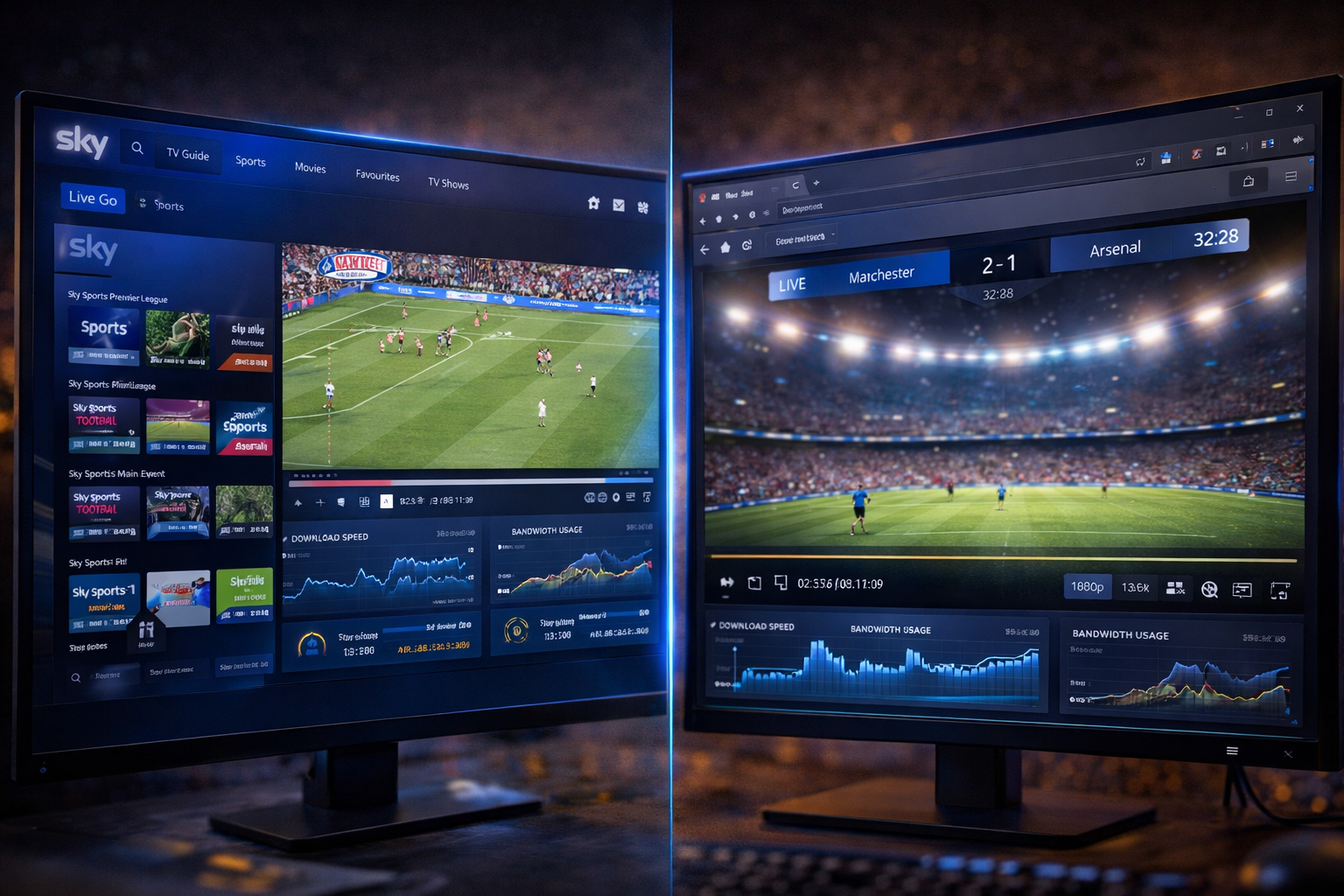
When watching Sky Go on Windows 11, users often have two main options. They can either use the dedicated Sky Go application or access the service through a web browser. At first glance, both methods appear to deliver the same result. The same channels, the same content, and the same playback interface.
However, once you start paying attention to performance, stability, and behavior under different conditions, the differences become clear. The way each method handles video decoding, network communication, and system resources can significantly affect the viewing experience.
Quick Context
This guide explains the technical differences between Sky Go app and browser streaming on Windows 11 including performance behavior rendering system resource usage and playback stability.
- Core difference between app and browser streaming
- Performance and system resource usage
- Video rendering and decoding differences
- Network handling behavior
- Playback stability under changing conditions
- Latency and responsiveness
- User control and flexibility
- Windows 11 system interaction
- Limitations of each method
- When to use each option
- App vs browser comparison table
- Reality Check
- Final Verdict
- Frequently Asked Questions
Core difference between app and browser streaming
The Sky Go app is a dedicated application designed specifically for streaming content. It is optimized to interact directly with system resources, network connections, and hardware components.
Browser streaming, on the other hand, runs inside a web browser environment. This adds an additional layer between the streaming service and the system.
The browser manages multiple tasks at once, including tabs, scripts, and extensions.
This fundamental difference affects how efficiently each method performs.
Performance and system resource usage
The dedicated app generally uses system resources more efficiently because it is built specifically for streaming. It can allocate CPU and memory directly for video playback.
Browsers must divide resources between multiple processes. This includes background tabs, extensions, and web scripts.
As a result, browser streaming may consume more CPU and memory under heavy usage.
Performance differences become more noticeable on lower end systems.
Video rendering and decoding differences
Video playback requires decoding compressed data into visible frames. The app can use system level video decoding more directly.
Browsers rely on internal engines to decode video. This can introduce additional processing overhead.
Hardware acceleration may behave differently between the two environments.
This affects frame stability and playback smoothness.
Network handling behavior
The Sky Go app communicates directly with streaming servers. It can manage network requests more efficiently.
Browsers handle network traffic alongside other web activity. This includes loading pages, scripts, and background connections.
This shared environment may introduce delays or competition for bandwidth.
Network efficiency plays a key role in streaming performance.
Playback stability under changing conditions
The app is designed to maintain stable playback even when network conditions fluctuate. It can adjust buffering and quality more directly.
Browser streaming may be affected by external factors such as extensions or background tasks.
This can lead to more frequent interruptions or quality changes.
Stability differences are often noticeable during long viewing sessions.
Latency and responsiveness
Latency refers to how quickly the system responds to user actions. The app often provides faster response times because it interacts directly with system resources.
Browsers introduce additional layers that can increase delay.
This difference may be noticeable when starting playback or switching channels.
Lower latency improves user experience.
User control and flexibility
Browser streaming offers flexibility because it works across different platforms without requiring installation.
Users can easily switch between tabs and multitask.
The app provides a more focused experience with fewer distractions.
Each method offers different advantages depending on user preference.
Windows 11 system interaction
On Windows 11, the app integrates more closely with system components. It can take advantage of hardware acceleration and optimized drivers.
Browsers operate within their own environment, which may limit direct access to system features.
This affects how efficiently video is processed and displayed.
System interaction is a key factor in performance differences.
Limitations of each method
The app requires installation and updates. It may also have compatibility limitations on certain systems.
Browser streaming depends on browser performance and configuration.
Extensions or outdated browsers can affect playback.
Each method has tradeoffs that users should consider.
When to use each option
The app is ideal for users who prioritize performance and stability. It is better suited for long viewing sessions and high quality playback.
Browser streaming is useful for quick access or when installation is not possible.
Users with powerful systems may notice less difference between the two methods.
Choosing the right option depends on your setup and usage.
App vs browser comparison
| Aspect | Sky Go App | Browser Streaming |
|---|---|---|
| Performance | More efficient | Depends on browser load |
| Resource usage | Optimized | Shared with other tasks |
| Stability | Higher | Variable |
| Flexibility | Requires installation | Accessible instantly |
| Latency | Lower | Slightly higher |
Reality Check
The Sky Go app generally provides better performance and stability, but browser streaming remains a flexible alternative depending on system and usage conditions.
Final Verdict
Final Verdict
Sky Go app and browser streaming on Windows 11 serve the same purpose but operate differently at a technical level. The app offers better performance, stability, and direct system integration, while browser streaming provides convenience and flexibility. Understanding these differences allows users to choose the method that best fits their needs and system capabilities.
Frequently Asked Questions
| Question | Answer |
|---|---|
| Is the app better than browser streaming | In most cases yes because it is optimized for performance. |
| Why does browser streaming use more resources | Because it runs inside a multi process environment. |
| Does browser choice affect performance | Yes different browsers handle video decoding differently. |
| Can both methods deliver the same quality | Yes but stability and consistency may differ. |