Why Netflix Audio Goes Out Of Sync
Estimated reading time: 19 to 26 minutes.
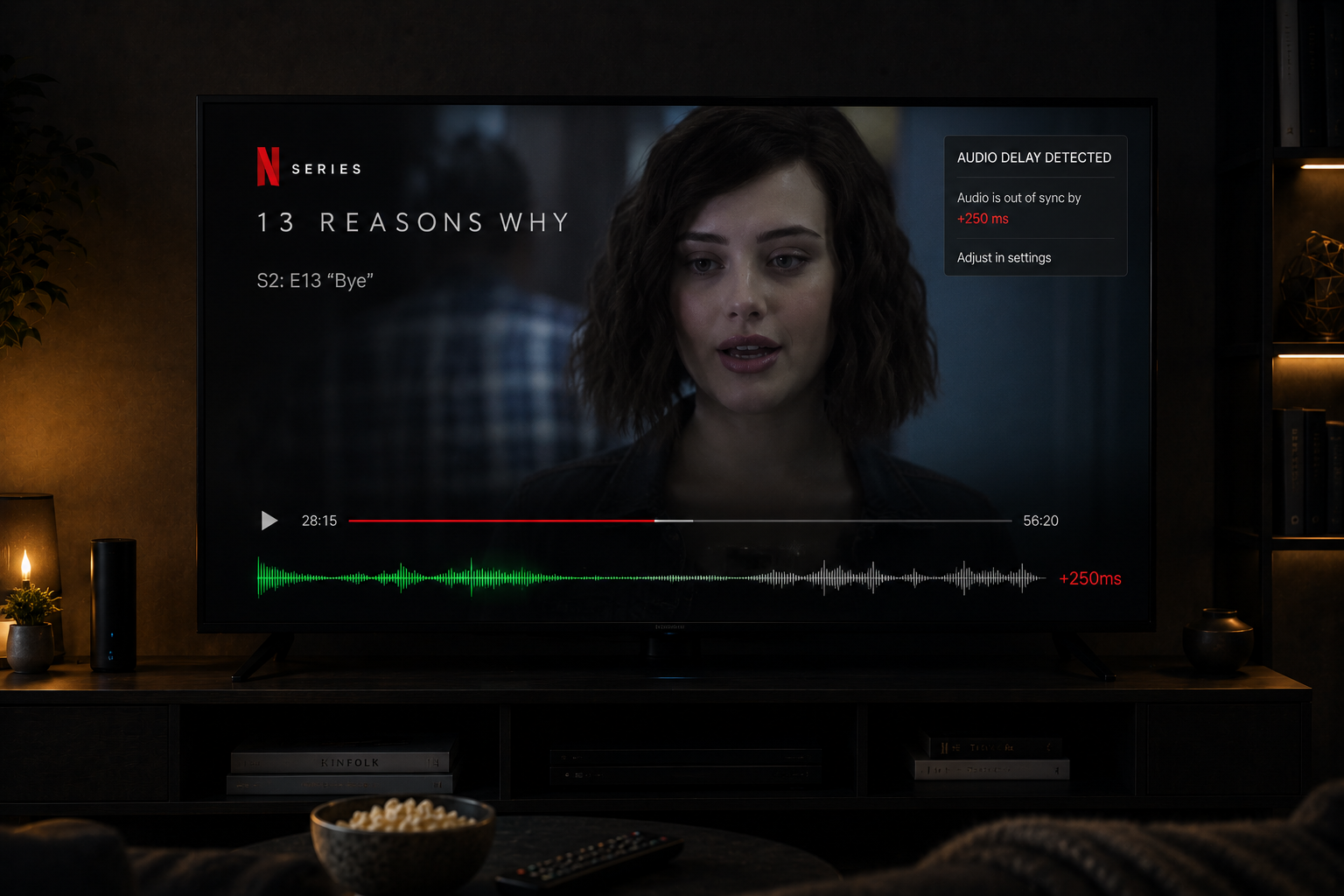
Few streaming problems feel more distracting than audio falling out of sync with video. Characters speak before their lips move, explosions sound delayed, and dialogue timing feels strangely disconnected from the image. Even a tiny synchronization problem becomes impossible to ignore once the brain notices it.
Most people immediately blame Netflix itself, but audio synchronization is actually one of the most technically complex parts of modern streaming. Timing must remain perfectly aligned across decoding systems, buffering logic, HDMI transmission, smart TV processing, audio equipment, and network delivery behavior simultaneously.
Quick Context. Netflix audio goes out of sync because streaming playback depends on extremely precise timing between video decoding, audio processing, buffering systems, and display hardware across multiple connected devices.
Table of Contents
Why synchronization is technically difficult
Audio and video are processed separately
Decoding delays and playback timing
Buffering systems and sync drift
Adaptive streaming and timing instability
Latency differences between audio and video
Smart TV image processing delays
Motion smoothing and lip sync problems
Soundbars and external audio systems
HDMI timing and transmission delays
Bluetooth audio delay explained
Weak processors inside older TVs
How network instability affects sync
Why 4K HDR playback increases sync pressure
Netflix app optimization differences
Why sync problems worsen during evenings
Why synchronization is technically difficult
Modern streaming systems are incredibly timing sensitive.
Netflix playback requires perfect coordination between:
- Audio decoding
- Video decoding
- Buffer management
- Display timing
- Audio output systems
Even tiny differences measured in milliseconds become visible to human perception.
The brain is extremely sensitive to lip movement timing.
A delay of only a small fraction of a second can feel unnatural immediately.
Audio and video are processed separately
One major reason synchronization problems exist is that audio and video travel through different processing paths.
Video processing often includes:
- Decoding
- Scaling
- HDR processing
- Motion enhancement
- Frame interpolation
Audio processing may include:
- Surround decoding
- Dialogue enhancement
- Spatial processing
- Wireless transmission
These independent systems rarely operate with identical timing naturally.
The playback system constantly tries to keep them aligned.
Decoding delays and playback timing
Netflix streams are heavily compressed.
Both audio and video must be decoded in real time.
Video decoding is usually much more demanding than audio decoding.
This creates natural timing imbalance.
If video decoding falls behind:
- Audio may play early
- Lip sync breaks
- Dialogue timing feels wrong
Older smart TVs struggle with this more frequently because their processors have limited decoding power.
Buffering systems and sync drift
Netflix uses buffering systems to protect playback from network instability.
The player continuously stores temporary audio and video data reserves.
If buffer behavior changes unevenly:
- Audio timing shifts
- Video timing drifts
- Synchronization weakens
This often happens during unstable network conditions.
The system attempts to recover automatically, but temporary sync drift may still become visible.
Adaptive streaming and timing instability
Netflix constantly changes quality dynamically using adaptive bitrate streaming.
During playback the system may:
- Lower resolution
- Adjust bitrate
- Modify buffer behavior
- Switch stream segments
These adjustments create additional timing complexity.
If transitions happen imperfectly, audio synchronization may temporarily drift.
Most users only notice the visible result:
Dialogue no longer matching mouth movement correctly.
Latency differences between audio and video
Video processing usually takes longer than audio processing.
Modern TVs apply heavy visual processing before displaying frames.
Examples include:
- Upscaling
- HDR tone mapping
- Noise reduction
- Motion interpolation
Audio often reaches the speakers faster than video reaches the screen.
This creates classic lip sync problems where sound arrives too early.
Smart TV image processing delays
Modern smart TVs perform enormous amounts of real time image processing.
Even simple playback may involve:
- Frame analysis
- Motion smoothing
- Color enhancement
- Local dimming calculations
All of these processes add delay.
Some TVs add far more processing latency than others.
If the TV delays video more than expected, audio synchronization breaks.
Motion smoothing and lip sync problems
Motion smoothing systems are especially problematic.
These systems generate artificial intermediate frames to make movement appear smoother.
This requires:
- Frame prediction
- Motion analysis
- Additional processing time
The TV essentially delays video intentionally while creating new frames.
If audio timing is not adjusted perfectly, sync problems appear immediately.
This is one reason many users notice lip sync issues mostly during motion enhanced playback.
Soundbars and external audio systems
External audio systems add another layer of timing complexity.
Soundbars may apply:
- Virtual surround processing
- Dialogue enhancement
- Bass management
- Spatial effects
These systems introduce their own processing delay.
If the TV and sound system are not perfectly synchronized, audio drift appears.
Every additional device increases synchronization difficulty.
HDMI timing and transmission delays
HDMI connections also affect synchronization.
Modern HDMI systems transmit:
- Video
- Audio
- Control signals
- Metadata
Some devices process HDMI signals differently.
This can create:
- Transmission delay
- Handshake timing problems
- Audio timing mismatch
ARC and eARC audio systems introduce additional synchronization layers as well.
Bluetooth audio delay explained
Bluetooth audio often creates noticeable synchronization problems.
Wireless audio requires:
- Signal compression
- Transmission buffering
- Packet management
- Error correction
All of these processes add latency.
Video usually arrives faster than Bluetooth audio.
This creates delayed dialogue and visible lip sync mismatch.
Some Bluetooth systems compensate better than others.
Weak processors inside older TVs
Older smart TVs struggle more with synchronization because their processors are weaker.
Modern Netflix playback requires:
- Complex decoding
- Dynamic bitrate adjustment
- HDR processing
- UI rendering
Older processors often cannot maintain perfect timing under heavy load.
As processing pressure increases:
- Frames arrive inconsistently
- Audio timing drifts
- Playback becomes unstable
Synchronization problems become more common.
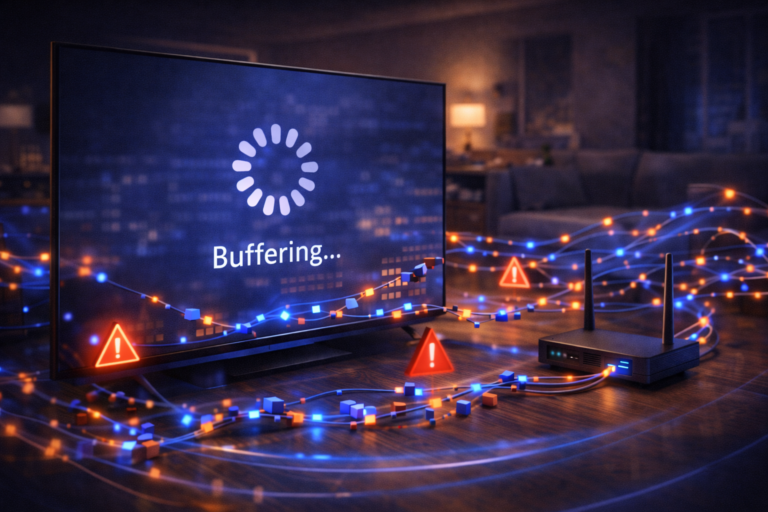
How network instability affects sync
Streaming systems rely heavily on stable packet delivery.
Network instability creates:
- Packet jitter
- Buffer fluctuations
- Adaptive bitrate shifts
- Retransmissions
When timing becomes unstable, playback synchronization becomes harder to maintain.
Temporary audio drift often appears during:
- Buffer recovery
- Quality changes
- Packet loss events
Why 4K HDR playback increases sync pressure
4K HDR streaming increases playback complexity dramatically.
Compared to standard HD playback, 4K HDR requires:
- More decoding power
- Heavier image processing
- Higher bandwidth stability
- More advanced tone mapping
This increases timing pressure across the entire playback chain.
Synchronization becomes harder to maintain perfectly.
Older devices struggle the most.
Netflix app optimization differences
Netflix apps behave differently across platforms.
Some smart TV operating systems are better optimized than others.
Differences in:
- Memory management
- Hardware acceleration
- Audio pipeline design
- Decoder optimization
affect synchronization quality.
This explains why Netflix audio sync may work perfectly on one device but poorly on another using the same network.
Why sync problems worsen during evenings
Peak hour congestion increases streaming instability.
During busy evenings:
- Packet timing fluctuates more
- Adaptive bitrate changes become aggressive
- Buffer instability increases
These fluctuations create more synchronization stress.
Netflix systems usually recover quickly, but temporary audio drift may become noticeable during unstable periods.
A real world sync problem example
Imagine someone streaming Netflix in 4K HDR on an older smart TV connected to a Bluetooth soundbar.
The playback chain now includes:
- Heavy video decoding
- HDR tone mapping
- Motion smoothing
- Bluetooth audio transmission
- Adaptive streaming logic
At the same time:
- Evening network congestion increases
- Packet timing becomes unstable
- The TV processor struggles under load
Eventually:
- Video processing falls behind
- Audio arrives earlier
- Lip sync becomes visibly incorrect
The issue was not one simple failure.
It was accumulated timing drift across multiple systems.
| Factor | Technical Effect | Visible Result |
|---|---|---|
| Heavy video processing | Delayed image output | Audio appears early |
| Bluetooth audio | Wireless latency | Delayed sound |
| Adaptive streaming | Timing fluctuations | Temporary sync drift |
| Weak TV processor | Slow decoding | Playback instability |
| Motion smoothing | Extra frame generation delay | Lip sync mismatch |
| Network instability | Buffer fluctuations | Audio drift |
| 4K HDR playback | Higher processing pressure | Sync instability |
Reality Check
Netflix audio synchronization problems are rarely caused by one single issue. Modern streaming depends on extremely precise timing across decoding systems, display processing, audio hardware, buffering logic, and network delivery behavior simultaneously.
Final Verdict
Netflix audio goes out of sync because modern streaming playback is one of the most timing sensitive processes in consumer electronics. Audio and video travel through separate processing paths while adaptive streaming systems continuously adjust quality dynamically in real time. Smart TV image processing, Bluetooth latency, HDMI timing, buffering instability, weak processors, and network fluctuations all contribute to synchronization drift. The visible problem may appear simple, but technically it is usually the result of multiple small timing delays accumulating together across the entire playback chain.
FAQ
| Question | Answer |
|---|---|
| Why does Netflix audio go out of sync | Because audio and video processing timing becomes misaligned |
| Can smart TVs cause lip sync problems | Yes especially older TVs with heavy image processing delays |
| Does Bluetooth create audio delay | Yes wireless transmission adds latency and buffering |
| Why do sync problems worsen during evenings | Because network instability increases during peak congestion hours |
| Can motion smoothing affect synchronization | Yes because frame interpolation adds extra video processing delay |