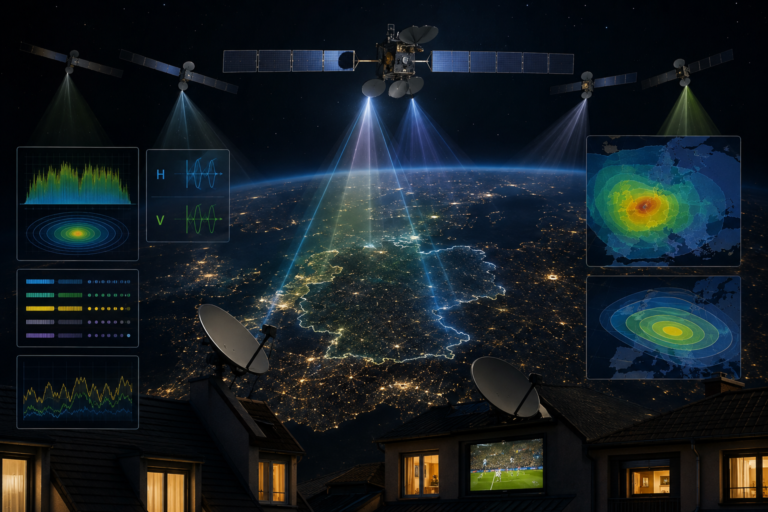
Why Sky Italia Looks Blurry Sometimes Bitrate And Compression Explained
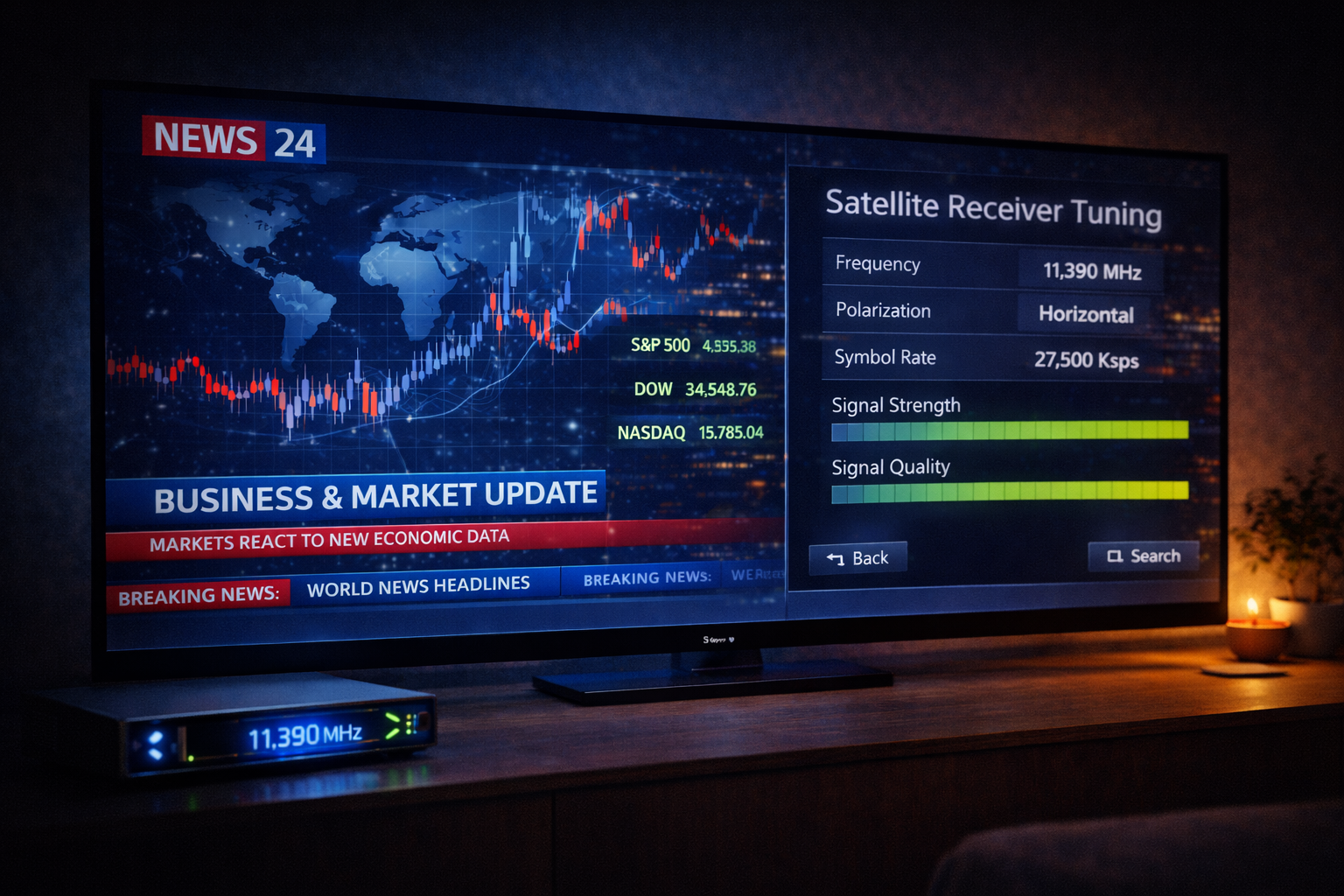
Estimated reading time: 10 to 12 minutes.
Sometimes Sky Italia looks sharp and detailed, and other times it suddenly becomes blurry or soft. This change can happen even without any obvious problem in your internet connection. The reason is not random. It is directly related to how streaming systems manage video quality in real time.
Blurry video is usually caused by changes in bitrate and compression. These are core parts of how streaming works. The system constantly adjusts them to keep playback smooth. Understanding how they work explains why quality drops happen and why they are actually part of the system design.
Quick Context. Sky Italia becomes blurry when the system reduces bitrate or increases compression to match network conditions. This is part of adaptive streaming.
Table of Contents
What bitrate means in streaming
How compression affects image quality
Adaptive bitrate streaming explained
How network conditions affect clarity
Why quality changes during the day
What bitrate means in streaming
Bitrate is the amount of data used to represent one second of video. The higher the bitrate, the more detail the video can contain. Lower bitrate means less data and less detail.
When bitrate is high, the image appears sharp, clear, and rich in detail. When bitrate is reduced, the system removes visual information to keep the stream running. This results in blur and loss of clarity. :contentReference[oaicite:0]{index=0}
Bitrate is one of the most important factors affecting streaming quality.
How compression affects image quality
Video streaming uses compression to reduce file size and make delivery possible over the internet. This compression removes some visual data.
When compression increases, more data is removed. This leads to visible effects such as softness, pixelation, or blocky artifacts. :contentReference[oaicite:1]{index=1}
Compression is necessary, but it always involves a trade off between quality and efficiency.
Adaptive bitrate streaming explained
Streaming systems do not use a fixed quality level. Instead, they adjust bitrate dynamically based on network conditions.
If the connection is strong and stable, the system uses a higher bitrate. If conditions worsen, it lowers the bitrate to avoid buffering.
This process is called adaptive bitrate streaming. It ensures continuous playback but causes quality changes.
This is why the same stream can look different at different times.
Why the image becomes blurry
Blurry video appears when the bitrate is reduced below the level needed for clear detail. The system compresses the image more aggressively.
This removes fine details and smooth textures. The result is a softer and less defined image.
Blurriness is not a random issue. It is a direct result of how the system balances quality and stability.
Why fast scenes look worse
Fast motion scenes require more data to maintain clarity. Movement changes the image rapidly, which increases data requirements.
When bitrate is limited, the system cannot fully represent these changes. This leads to motion blur and loss of detail.
Sports and action content are more affected than static scenes.
This is why quality drops are more noticeable during live matches.
How network conditions affect clarity
Network conditions directly influence bitrate selection. If the connection becomes unstable, the system reduces bitrate to maintain playback.
This reduction prevents buffering but lowers image quality.
Latency and packet delays also affect how consistently data arrives. Even small fluctuations can trigger bitrate changes.
Stable networks maintain higher quality for longer periods.
Why quality changes during the day
Streaming quality can change based on network load. During peak hours, more users share the network.
This reduces available bandwidth and increases latency. As a result, the system lowers bitrate.
You may notice better quality at night when network traffic is lower.
For a deeper technical explanation, see this guide Why Sky Italia Works Better At Certain Times.
How to reduce blurry streaming
Use a stable connection instead of relying only on speed. Consistency is more important than peak performance.
Switch from WiFi to Ethernet if possible. This reduces interference and improves stability.
Reduce network load by limiting other devices during streaming.
Ensure your device supports high quality decoding. Older devices may limit performance.
These steps help maintain higher bitrate and better clarity.
| Factor | Technical Cause | Effect on Quality | Result |
|---|---|---|---|
| Low bitrate | Less data per second | Loss of detail | Blurry image |
| High compression | Data reduction | Artifacts and softness | Pixelation |
| Network instability | Inconsistent delivery | Bitrate drop | Quality fluctuation |
| High motion | More data needed | Insufficient bitrate | Motion blur |
| Peak hours | Network congestion | Reduced bandwidth | Lower quality |
Reality Check
Blurry video is not always a problem that needs fixing. It is often the result of the system protecting playback stability. The platform reduces quality to avoid interruptions.
Final Verdict
Sky Italia looks blurry when bitrate drops and compression increases due to changing network conditions. This behavior is part of adaptive streaming design. The system prioritizes continuous playback over maximum quality. Understanding bitrate and compression helps explain why quality changes and how to improve it by focusing on stability rather than speed alone.
FAQ
| Question | Answer |
|---|---|
| Why does Sky Italia become blurry | Because bitrate is reduced and compression increases during unstable conditions |
| Does internet speed fix blurry video | Not always. Stability matters more than speed |
| What is bitrate in simple terms | It is the amount of data used per second of video |
| Why do sports look more blurry | Fast motion requires higher bitrate which may not always be available |
| How can I improve quality | Use stable internet, reduce network load, and use a capable device |