Sky Italia Streaming Explained Why Your Channels Suddenly Stop Working
Estimated reading time: 9 to 10 minutes.
It can feel confusing when Sky Italia seems to be working normally one moment, then suddenly several channels stop loading, freeze, or disappear from the app interface. Many people immediately think this means a full service outage, but in reality the cause is often much more specific. In streaming systems, a channel can stop working not because the entire platform has failed, but because one part of the delivery chain has become unstable.
That delivery chain includes the content server, content distribution path, home network, playback buffer, app behavior, and the device itself. When one of those parts starts behaving badly, the result can look simple on the screen, but the technical reason behind it is usually layered. Understanding those layers helps you troubleshoot the problem more accurately instead of restarting everything without knowing what really happened.
Quick Context. Sky Italia streaming problems usually happen because the service depends on stable internet delivery, adaptive bitrate logic, app decoding, and consistent device performance. When channels suddenly stop working, the cause is often related to network instability, overloaded WiFi, app playback errors, or interruptions between the streaming server and your screen.
Table of Contents
Why channels can suddenly stop working
How the Sky Italia streaming chain works
Why this is different from satellite signal loss
The most common technical causes
Signal strength vs stream quality
How devices and apps affect playback
Why channels can suddenly stop working
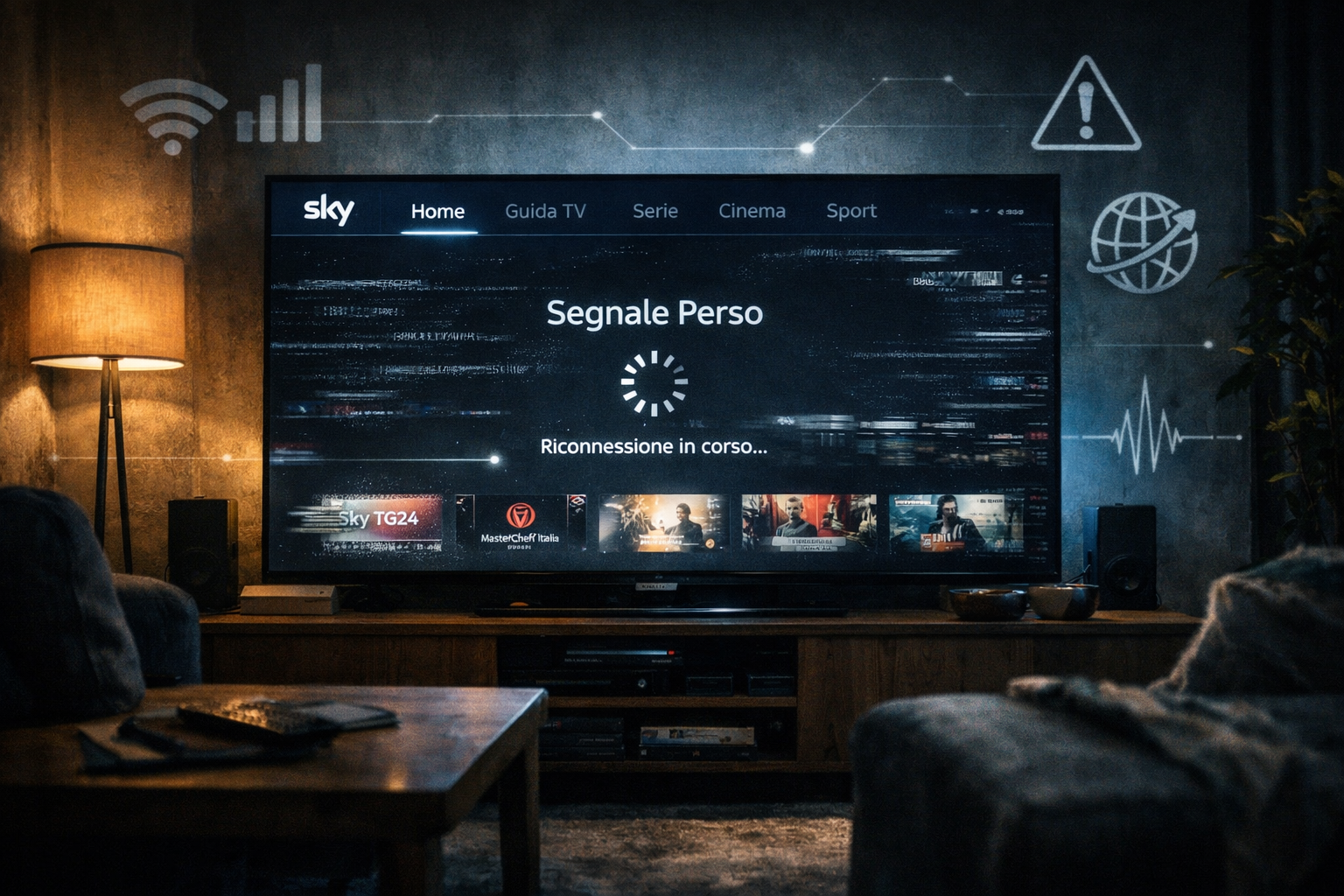
When users say a channel suddenly stopped working, they often mean one of several different things. The picture may freeze. The stream may keep buffering. The channel may refuse to open at all. The app may show a playback error. In some cases, audio continues while video fails. In other cases, one channel breaks while another still works.
Those differences matter because they point to different technical causes. A total app crash is not the same as a bitrate drop. A buffering loop is not the same as a decoding failure. A black screen with interface controls visible is not the same as a complete network disconnect. The screen only shows the symptom. The real fault sits deeper in the system.
Streaming delivery is not one single signal sent in one direction. It is a constant sequence of requested data chunks, temporary buffering, video decoding, synchronization, and quality adjustment. That means a channel can fail suddenly when one stage of that chain becomes unstable, even if everything else still looks normal.
How the Sky Italia streaming chain works
To understand why channels stop working, it helps to think of streaming as a route with several checkpoints. First, Sky Italia sends content from its source and prepares it for online delivery. That content is compressed into stream segments and distributed across server infrastructure. Your device requests those segments over the internet. The app receives them, stores a short playback buffer, decodes the video and audio, then displays them in real time.
If the server side is delayed, your stream may pause before enough data arrives. If your internet connection fluctuates, the app may keep asking for segments but receive them too slowly. If the device is overloaded, segments may arrive on time but playback still stutters because decoding cannot keep up. If the app itself has a software issue, the request chain may break even when the network is fine.
This is why the phrase channels suddenly stop working can be misleading. In many cases the channel is still available on the platform, but your local playback path has lost stability somewhere between request, delivery, buffering, or decoding.
Why this is different from satellite signal loss
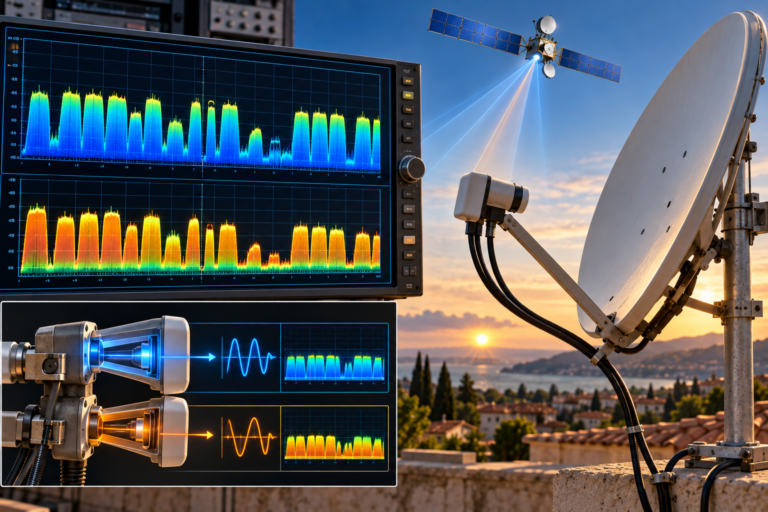
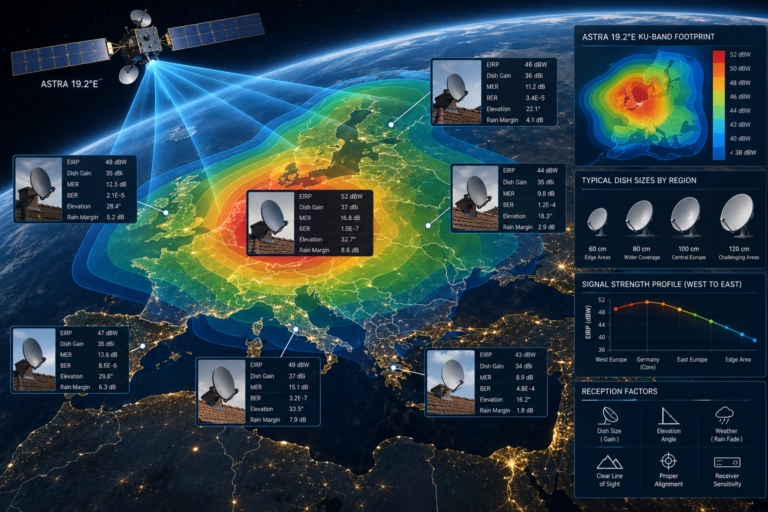
Traditional satellite reception follows a different logic. With a dish, LNB, cable, and receiver, you are dealing with physical radio signal reception. In that world, signal strength and signal quality depend on dish alignment, LNB skew, weather, coax condition, transponder frequency behavior, and receiver tuning. When a satellite channel disappears, the cause is often directly tied to RF signal problems.
With Sky Italia streaming, the issue is usually not RF signal physics at home. It is data delivery over IP. That means the most important measurements are not dish alignment values but network consistency, latency, packet behavior, buffering stability, and device processing ability. People sometimes apply old satellite thinking to streaming issues, but that can send troubleshooting in the wrong direction.
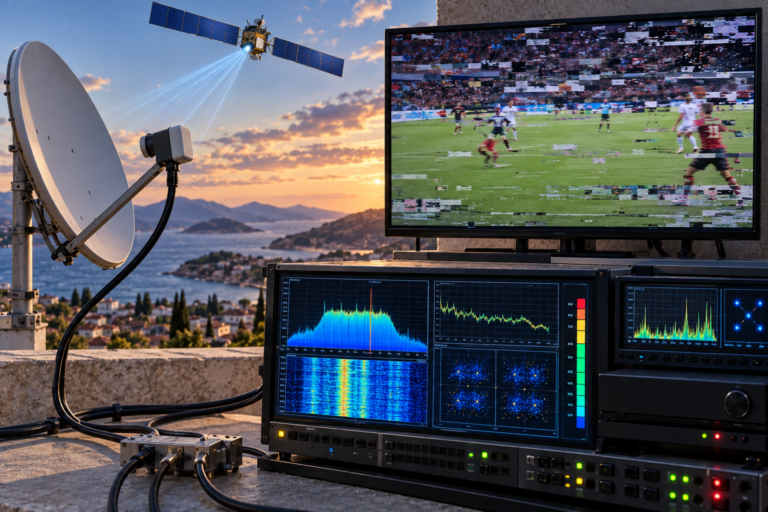
The user experience may look similar. A channel fails. The image freezes. Audio cuts. But the engineering cause is different. Satellite systems fail when reception conditions become poor. Streaming systems fail when delivery timing becomes inconsistent or the playback chain cannot handle what is arriving.
The most common technical causes
One of the most common causes is unstable bandwidth. This does not always mean slow internet. A connection may test as fast overall but still fluctuate badly over short periods. Streaming depends on stable delivery, not just high peak speed. If bandwidth keeps swinging, the player buffer drains and the channel stops.
Another major cause is WiFi congestion. In many homes, the smart TV or streaming device sits far from the router, perhaps behind walls, furniture, or electrical interference sources. The link may be good enough for browsing but unreliable for continuous video delivery. At certain times of day, more devices compete for the same wireless capacity, increasing delay and packet retransmission.
Server load can also matter. During major live events, many users request the same channel at once. A well-designed platform handles that with scaling and content distribution, but pressure on the delivery chain can still expose weak points. If a channel fails during a big football match but not during normal daytime viewing, load behavior becomes a realistic suspect.
Device limitations are another overlooked cause. Older smart TVs often have slower processors, limited memory, weaker app optimization, and less efficient video decoding support. The internet may be fine, but the device may struggle to keep the app stable. This is why one room works while another fails, even on the same network.
App-side faults also happen. A playback application can get stuck in a bad state after an update, a cached process error, or a temporary handshake failure with the service. In that situation, restarting the app or refreshing the session may help, not because the network changed, but because the software path was reset.
Signal strength vs stream quality
In satellite work, people often speak about strength and quality as two separate readings. Strength may show that the tuner is locking onto a signal path, while quality tells you whether the data is actually usable. A similar idea exists in streaming, even if the measurements are different.
Your home internet may appear strong in a basic sense. The router is connected. The speed test looks high. Devices can browse normally. That is the equivalent of strength. But stream quality depends on more than that. It depends on whether video packets arrive in time, whether delay remains stable, whether packet loss stays low, and whether the device decodes everything smoothly. That is the quality side.
This is why people are surprised when a high-speed connection still produces interruptions. The issue is not the advertised speed number. The issue is whether the connection behaves consistently enough for uninterrupted video delivery. A stream is sensitive to timing. It is not only about total capacity.
How devices and apps affect playback
Streaming devices do more than show a picture. They maintain secure sessions, request video chunks, store buffer memory, decode compressed content, match frame timing, and output synchronized audio and video. If any of those steps becomes unstable, the channel can appear to stop even though the internet connection has not fully failed.
For example, some smart TVs work well for short sessions but begin to struggle after long uptime. Memory pressure builds, background services compete for resources, and the app becomes less responsive. In such cases, a full device restart can restore performance because it clears temporary load, not because the service suddenly repaired itself.
Another example is app version behavior. If one update changes how buffering or authentication is handled, some devices may respond differently. A model with limited RAM or older firmware may start showing channel errors more often after an app update, while newer hardware continues working normally.
That is why technical troubleshooting should always include the playback device itself. Many users check only the internet line and ignore the device, but the final decoding stage matters just as much as the incoming data stream.
How to diagnose the real cause step by step
Start with a simple question. Is the problem affecting all channels or only one or two. If only specific channels fail, the issue may be content path related or channel specific. If everything fails, the problem is probably broader, such as app login, network instability, or service availability.
Next, compare devices on the same connection. If Sky Italia fails on a smart TV but works on a tablet using the same router, the problem is probably local to the TV, app version, or WiFi path to that room. If both devices fail in the same way at the same time, the network or service side becomes more likely.
Then test connection stability, not only speed. A fast connection with bursts and drops can still break streaming. Short interruptions are enough to empty the player buffer. Ethernet is useful here because it removes many WiFi variables. If the channel becomes stable over Ethernet, the wireless path was likely the real issue.
Also check timing patterns. Does the problem happen only at night. Does it happen during live sports. Does it appear after long device use. Patterns reveal whether you are dealing with network congestion, platform load, thermal device stress, or random app faults.
Finally, restart in the right order. Restarting only the TV sometimes helps, but a better method is to close the app fully, restart the device, and if needed reboot the router. This helps isolate whether the failure sits in the app state, device memory, or network session.
| Symptom | Most Likely Cause | Technical Explanation | Best First Check |
|---|---|---|---|
| One channel fails but others work | Channel path issue or app session problem | The overall service is active, but one stream route or request chain may be unstable | Test the same channel on another device |
| All channels buffer at once | Network instability or service disruption | The playback system is not receiving enough stable data across the whole app | Check another device and test Ethernet if possible |
| Picture freezes but audio continues | Video decoding or frame processing issue | The device may still process audio while struggling with video rendering | Restart the device and verify app performance |
| Channels fail mostly at busy evening times | WiFi congestion or peak load conditions | Competing traffic and timing delays increase during busy hours | Move to Ethernet or test closer to the router |
| App works on phone but not on TV | Device-specific app or hardware limitation | The TV may have weaker processing, old firmware, or unstable local app behavior | Update app and TV software, then restart |
Reality Check
When channels suddenly stop working, the cause is often less dramatic than users assume. It does not automatically mean the full platform is down. In many homes, the real problem is local and practical. Weak WiFi in one room, unstable buffer behavior, device aging, or app state errors can all create the same visible symptom. The key is to stop treating every interruption as the same problem. Streaming failures need structured diagnosis, not guesswork.
Final Verdict
Sky Italia channels can suddenly stop working for several technical reasons, but most of them fall into a clear pattern. The issue usually sits somewhere in the streaming chain between content delivery, home networking, app behavior, and device decoding. The most useful approach is to separate symptoms carefully. Ask whether the problem affects one channel or all channels, one device or all devices, WiFi only or Ethernet too. Once you break the system into parts, the cause becomes much easier to understand and fix. In streaming, stability matters more than assumptions.
FAQ
| Question | Answer |
|---|---|
| Why do Sky Italia channels stop working even when my internet seems fine | Because streaming depends on connection stability, timing, buffering, and device decoding, not just general internet availability. |
| Can WiFi cause channels to disappear or freeze | Yes. Weak or congested WiFi can interrupt continuous video delivery even when browsing still works normally. |
| Why does Sky Italia work on one device but not another | Different devices have different processing power, app behavior, firmware support, and local network conditions. |
| Does fast internet always prevent buffering | No. A connection can be fast overall but still unstable in short bursts, which is enough to disrupt streaming playback. |
| What is the first troubleshooting step I should take | Check whether the issue affects one channel or all channels, then compare another device on the same network to isolate the source more accurately. |